← All features
All pilots in one place
Wallets, orders, contracts, assets, industry, mining and planetary, everyone together
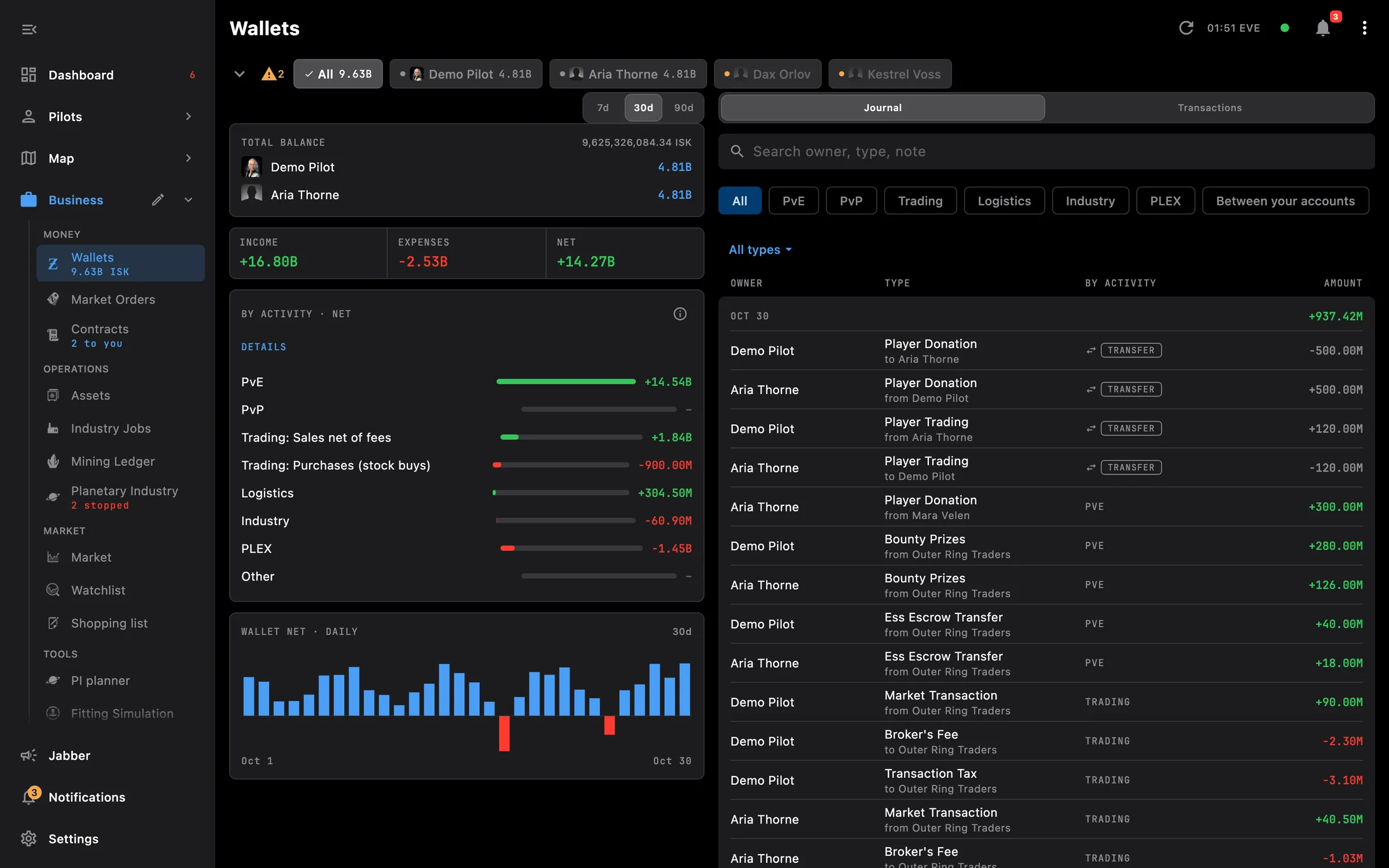
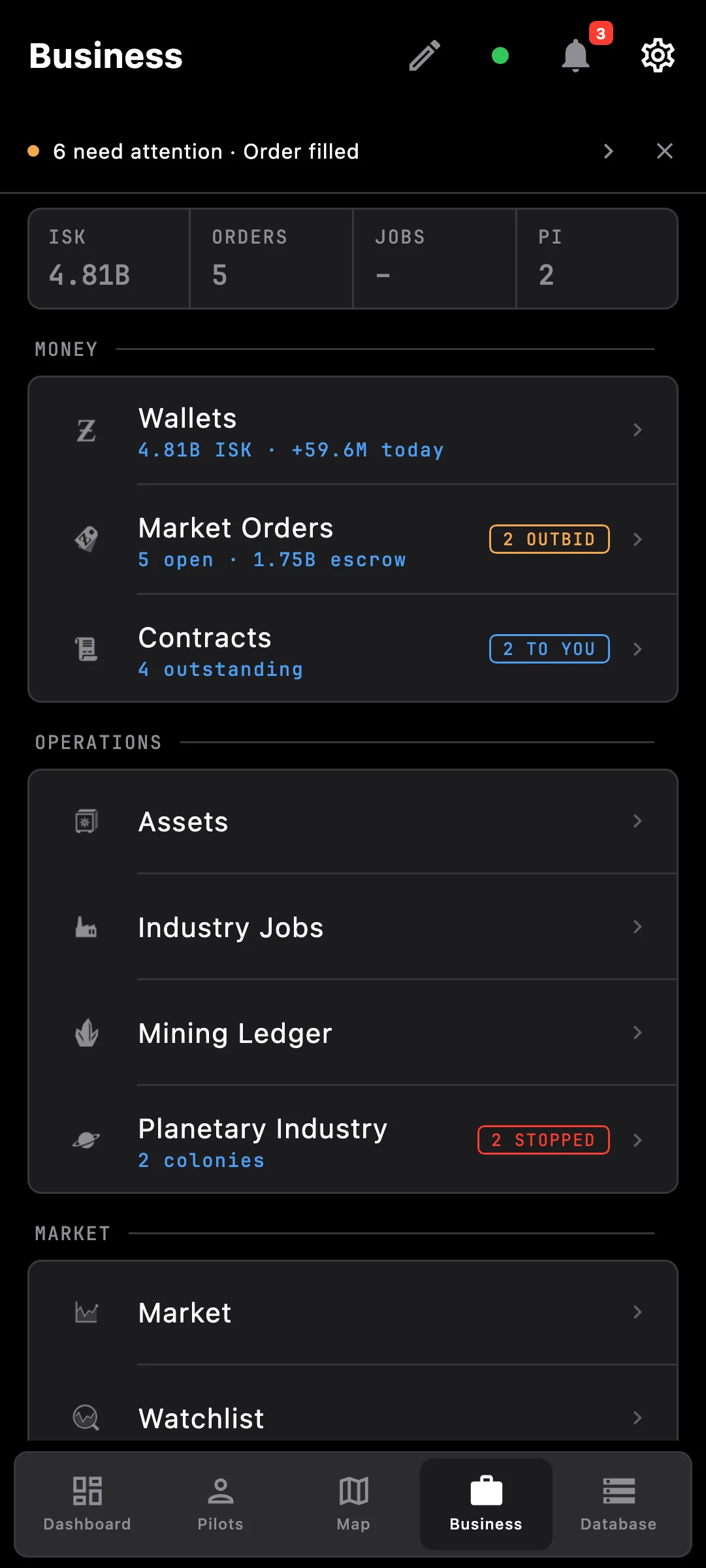
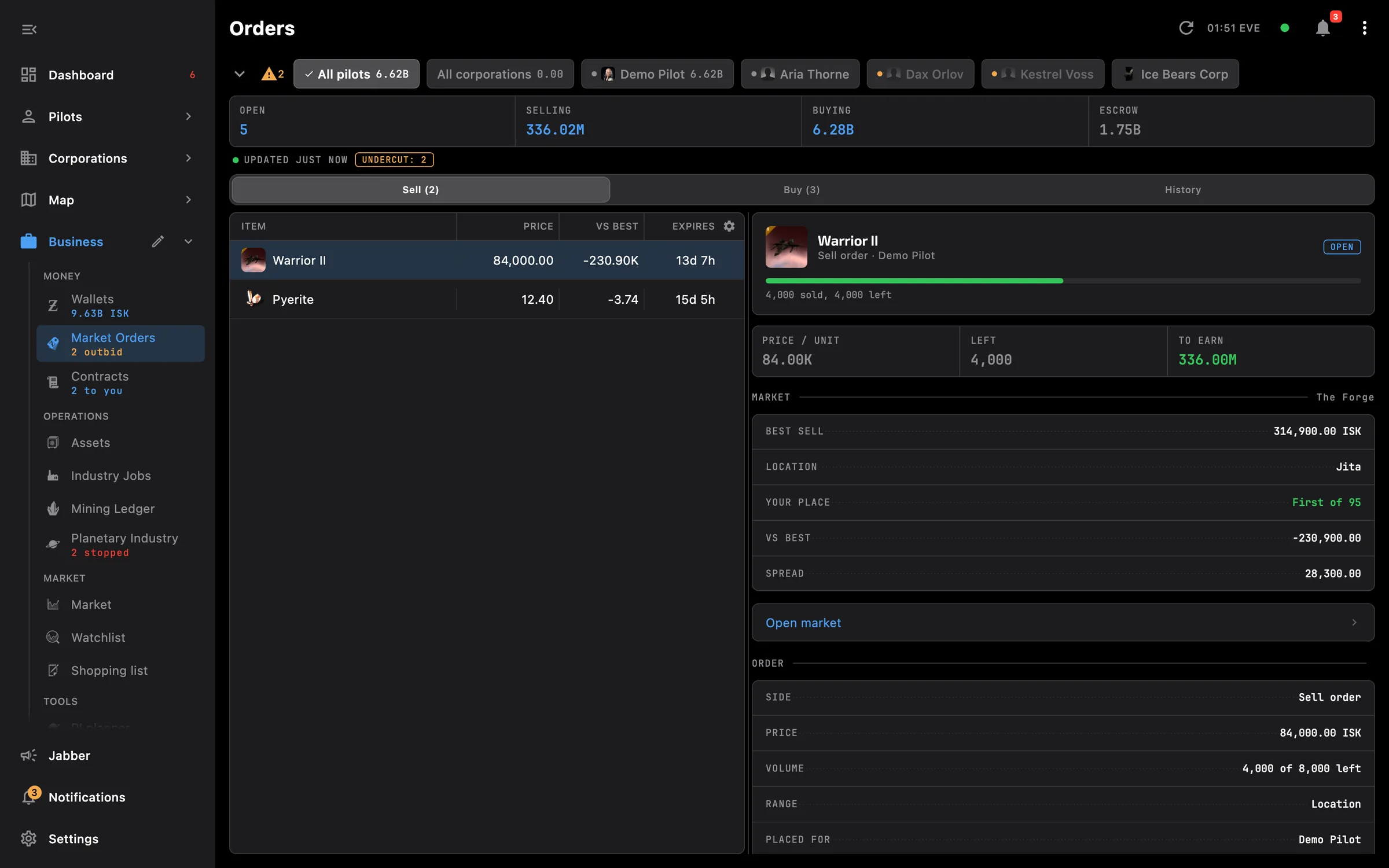
Wallets, orders, contracts, assets, industry, mining and planetary, everyone together
Wallets, Orders, Contracts, Assets, Industry, Mining and Planetary show everyone together instead of one pilot at a time. Anything that can be summed across pilots lands on one screen, with one filter, shared by every Business screen, to narrow it down to one pilot or one corporation when you need to.
Tip: pick a pilot on Wallets and Orders, Contracts and Assets open on the same pilot; pick All to go back to everyone.
This screen needs these access areas for each pilot you want included:
You pick the areas when you log a pilot in and can add more later on the Access screen. How access works →
On the phone — Business is a grouped list: money, operations, market and tools. Orders and contracts are cards, tables fit the screen, and the list keeps its place when you go back.
On the PC — Orders and contracts are tables with a detail pane next to them, and Wallets, Contracts and Orders pick their wide layout from the space beside the side menu. A refresh button sits in the top bar.
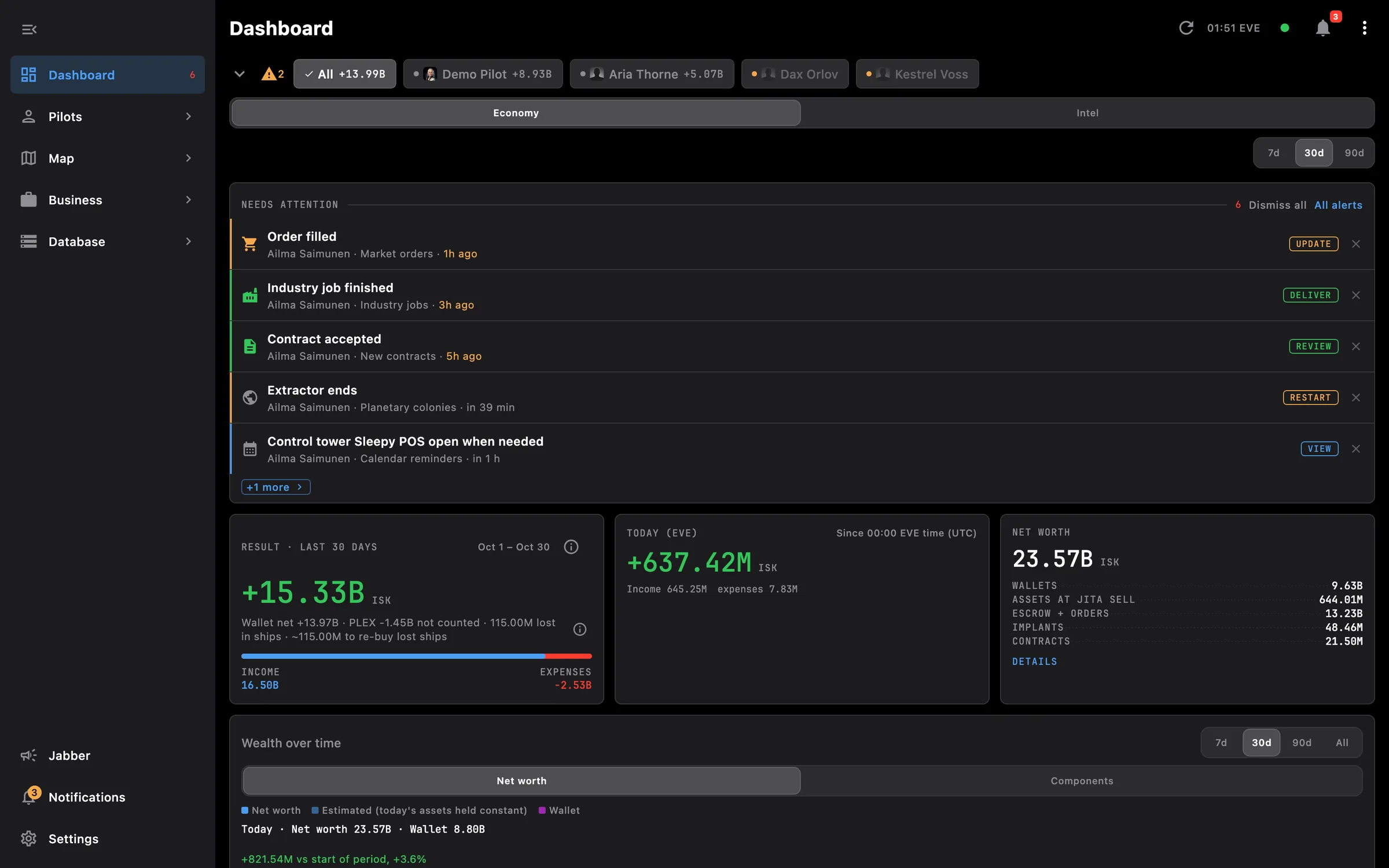
Result, net worth, wealth over time and a price watchlist for every pilot and corporation
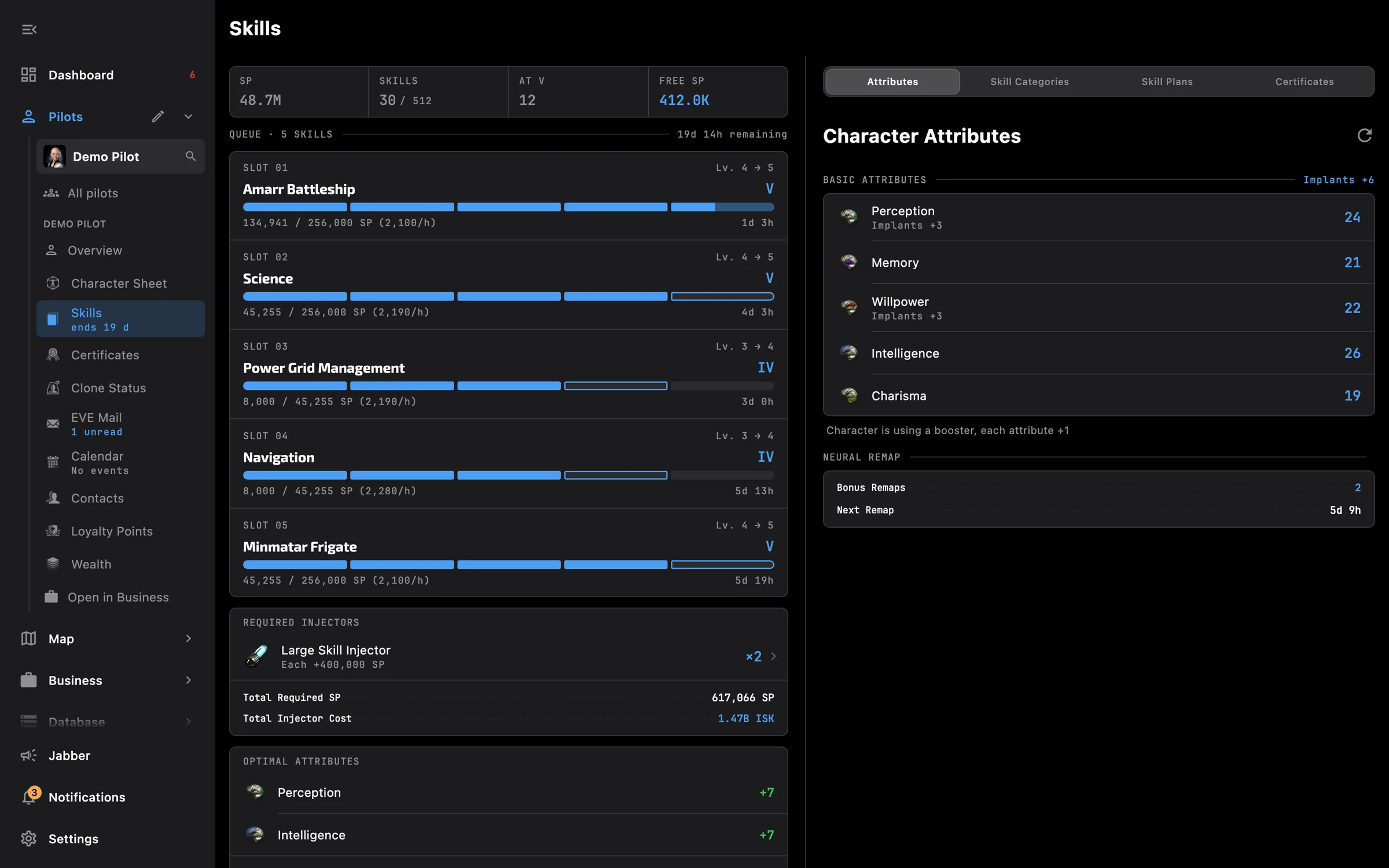
Skills, clones, implants, wallet, mail, calendar and loyalty points
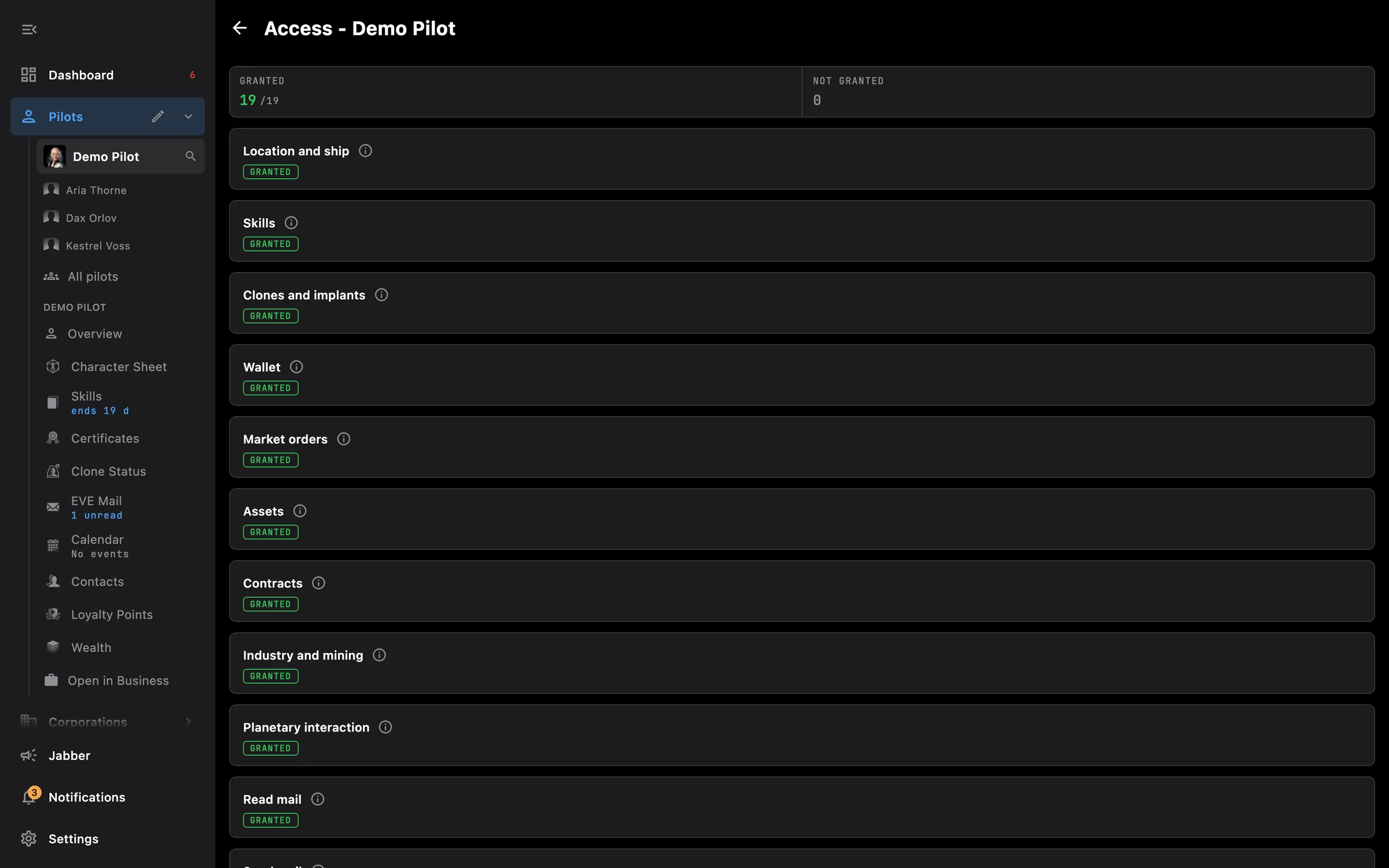
Pick what each pilot shares at login, widen it later on the Access screen
Something missing? Recent changes are in the patch notes, and you can ask on Discord.